How to Redeem Build Bridge to Eggs Codes
Exact redeem flow, error fixes, and free like/group rewards while no promos are active.
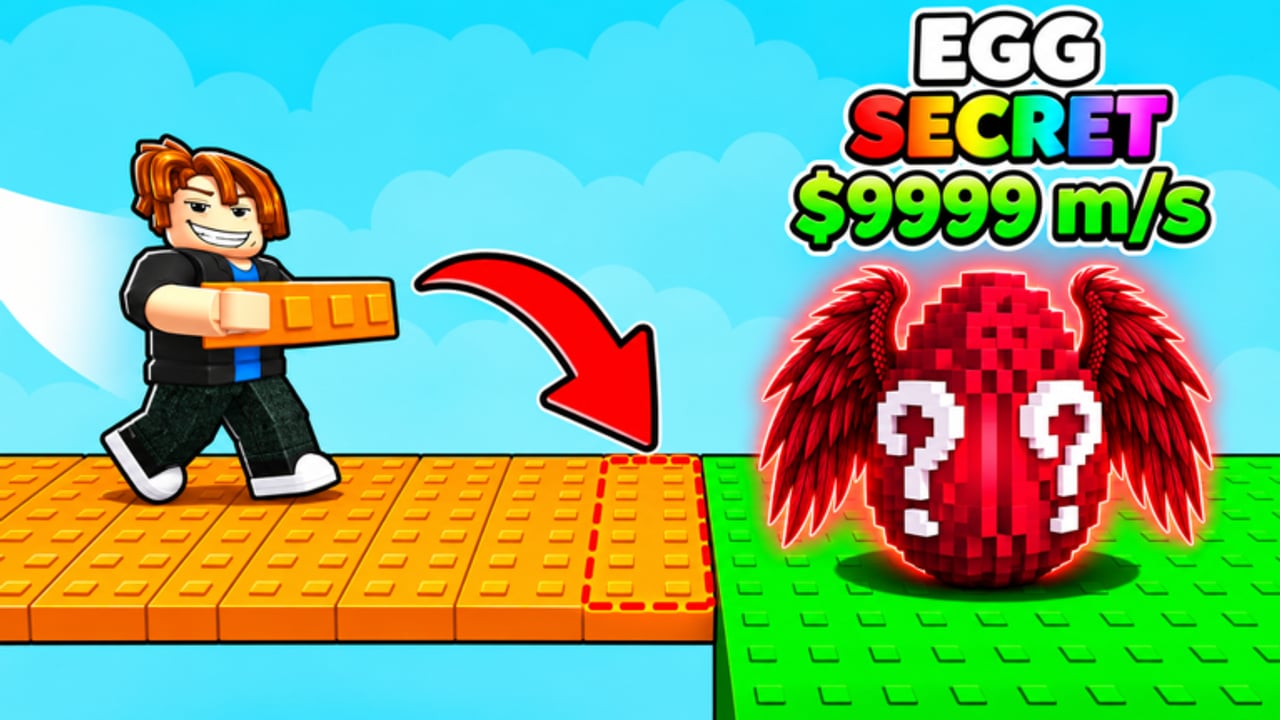
This guide shows how to redeem codes in Build Bridge to Eggs on Roblox, even though no verified promo codes exist as of late November 2026. Learning the redeem flow now means you can claim the next drop in seconds instead of hunting menus during a busy update weekend.
Build Bridge to Eggs is a Simulation / Tycoon loop: chop wood, build bridges, steal or hatch eggs, raise idle animals, upgrade your axe and plot, then rebirth. Codes—when live—usually inject cash, materials, eggs, or short boosts into that loop. Until a verified string appears on the Codes Hub, practice the UI with the free like/group reward path and keep progressing through Getting Started.
Before you open the Codes menu
- Launch Build Bridge to Eggs on a stable connection.
- Finish the short onboarding prompts so HUD buttons unlock.
- Copy the code from a trusted list (this wiki’s Codes Hub)—never from a random Discord DM.
- Keep Robux spending separate; codes are free strings, not gift-card scams.
If someone asks you to “verify” an account or download an executor just to redeem a code, stop. Redeeming happens inside the Roblox client only.
Step-by-step redeem flow
Roblox tycoons place the Codes button in a few common spots. Check in this order:
- Look for a Codes, Twitter, or Gift icon on the left or right HUD.
- Open Settings / Menu and scan for a Codes tab.
- Check Shop or Rewards panels for a text box labeled Codes or Redeem.
- Tap the text field, paste the code, and confirm with Redeem / Submit.
Tips that prevent false “invalid” errors:
- Paste with Ctrl+V (or long-press paste on mobile) instead of retyping.
- Remove leading or trailing spaces.
- Match exact capitalization unless the game states codes are case-insensitive.
- Redeem on the character that should receive the reward; some rewards are per-account, others feel per-session until you rejoin.
After a successful redeem, check cash, inventory, eggs, and any popup toast. Spend wisely: early axes and wood capacity often beat random impulse buys—see Axe and Wood and the Axe Tier List.
Free rewards while codes are empty
Until promo codes appear, claim the social freebie:
- Like the experience on Roblox.
- Join the creator group at community 197850751.
- Return to the game and claim the gift if a claim prompt appears.
That reward is not a substitute for bridge progress or strong pets, but it can fund your first meaningful upgrade. Pair it with How to Build Bridges so the cash turns into tiles that unlock better eggs.
Common redeem errors and fixes
| Message / symptom | Likely cause | Fix |
|---|---|---|
| Invalid / wrong code | Typo, expired, or never real | Recopy from Codes Hub; do not invent strings |
| Already redeemed | One-time code on this account | Stop retrying; check inventory for the reward |
| Expired | Timed event ended | Wait for the next update listed on Updates |
| Nothing happens | UI lag or wrong menu | Rejoin, then open Codes again |
| Cannot find Codes button | Tutorial lock or HUD scale | Complete intro steps; reset UI scale in Roblox settings |
If every public “code” fails, assume the list is outdated. This wiki will not pad the Codes Hub with guesses.
What to do with rewards
When a real code finally drops, prioritize in this order for most accounts:
- Axe or wood capacity if chopping is your bottleneck.
- Plot / trainer upgrades if idle income is weak—see Rebirth and Upgrades.
- Eggs / hatch attempts if you need better animals for AFK cash—see Animals / Pets and Animals Tier List.
- Hold cash only if you are minutes away from a rebirth breakpoint.
Avoid dumping everything into a low-tier animal you will replace after the next nest. Steal routes and hatch targets are covered in How to Steal Eggs.
Mobile vs desktop notes
- On mobile, open the side menu carefully; the Codes icon can sit under another panel.
- Use Roblox’s paste suggestion instead of the on-screen keyboard when possible.
- Landscape mode often reveals HUD icons that portrait mode hides.
- If the keyboard covers the Redeem button, dismiss it after pasting, then tap Redeem.
Desktop players should still avoid browser extensions that claim to “auto redeem every Roblox code.” Those tools are unrelated to Build Bridge to Eggs and frequently unsafe.
Safety checklist
- Redeem only inside the official Roblox client.
- Never share your password or 2FA codes with “code giveaway” staff.
- Ignore links that ask you to complete surveys for a private code dump.
- Treat executor scripts as a separate risk topic—read Scripts if you insist on automation, and use an alt.
Related pages
- Codes Hub — live status (currently no verified codes)
- Getting Started
- Animals / Pets
- Tier List Hub
- Official Links
Master the redeem habit now. The next time Build Bridge to Eggs ships a working code, you will claim it cleanly and funnel the reward into bridges, axes, and pets that actually move your account forward.
Frequently Asked Questions
Quick answers to the most common Build Bridge to Eggs questions.
Where is the Codes button in Build Bridge to Eggs?
Check the HUD sides first, then Settings, Shop, or Rewards panels. Finish the tutorial if the button is still locked.
Why do my codes say invalid?
As of late November 2026 there are no verified active codes. Invalid usually means a typo, an expired string, or a fake list—recopy only from the Codes Hub.
Can I redeem on mobile?
Yes. Paste carefully, use landscape if icons are hidden, and dismiss the keyboard before tapping Redeem.
Do I need Robux to redeem codes?
No. Promo codes are free. Anyone asking for Robux, passwords, or downloads to “unlock” a code is running a scam.
What should I buy first after redeeming?
Usually axe or wood capacity, then plot upgrades or eggs for better idle animals—match the spend to your current bottleneck.