Build Bridge to Eggs Controls Guide
Move, chop, build, steal, and hatch without fighting the camera or the HUD.
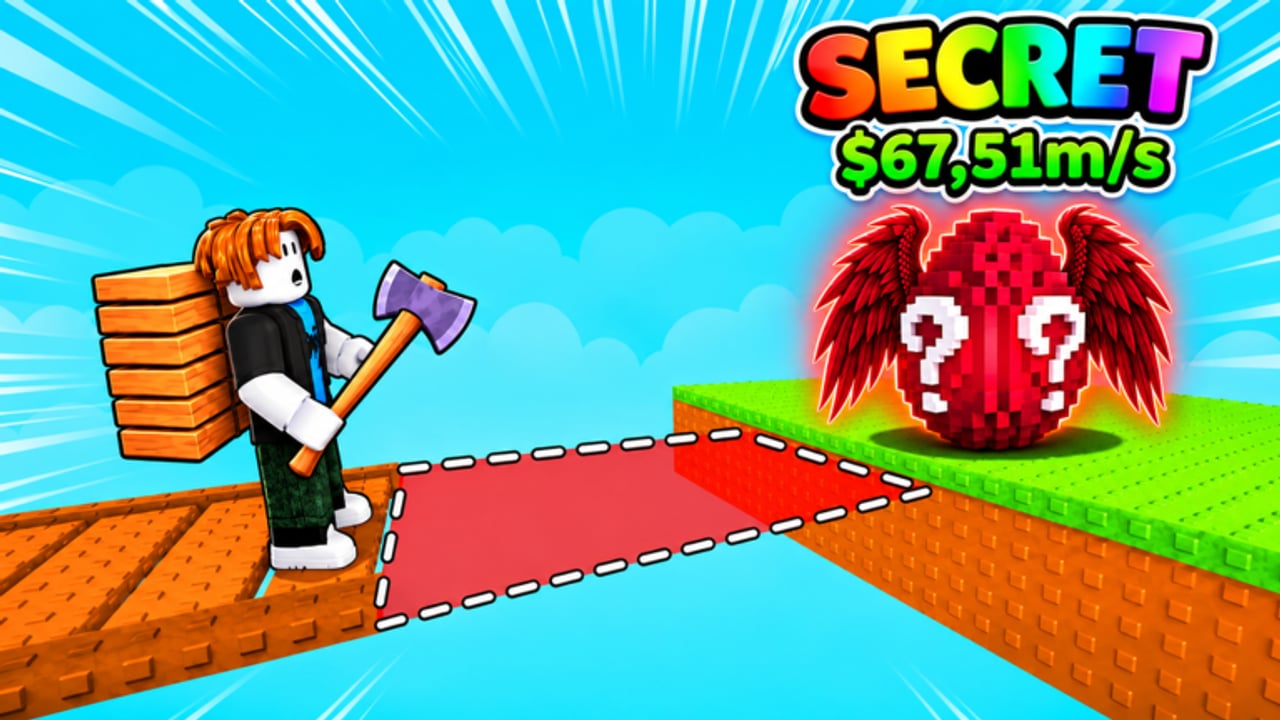
Build Bridge to Eggs is a Roblox Simulation / Tycoon from and Find Rare Pets (place 139539544186761, live since 2026-09-08, free-to-play, server size 5). The loop is simple on paper — chop wood, build bridges tile by tile, steal eggs past NPC guards, hatch animals on your plot, collect idle income, then upgrade axe, carry, storage, plot, and trainer systems before rebirth — but none of that works if you fight the camera or miss the on-screen prompts. This page covers desktop movement, camera habits, chop and build interactions, egg carry and hatch placement, HUD buttons, plus mobile and console notes using standard Roblox patterns and the game’s UI, not invented keybind charts.
If you are brand new, pair this with Getting Started. For deeper systems, jump to How to Build Bridges, How to Steal Eggs, How to Hatch Animals, Idle Income, Axe and Wood, and Rebirth and Upgrades. Browse the full map from the Guides Hub.
Desktop movement and camera
On keyboard and mouse, movement follows the usual Roblox layout: W A S D to walk, Space to jump, and the mouse to look. Many players enable Shift Lock (or the lock-on camera toggle in Roblox settings) so the character faces the camera direction while bridging or escaping with an egg. That facing consistency matters when you need a clean retreat along a narrow plank.
Keep the camera slightly elevated so you can see guard paths and missing tiles ahead of your feet. Too low and you clip into trees; too high and you lose depth on the water edge. Re-center the camera before every steal attempt so a sudden mouse flick does not send you off the bridge.
Click or tap the world where the game shows an interaction prompt. Exact mouse buttons can vary with your Roblox client settings, so trust the on-screen prompt over any third-party key list. If nothing highlights, move closer — most chop, build, steal, and place actions require proximity.
Chopping wood
Walk to a tree in range, wait for the chop / interact prompt, then click or activate. Your early axe is slow and your carry bar fills fast. After a few swings, watch the carry or backpack indicator; when it is full, stop swinging and dump wood into storage instead of standing at a distant tree wondering why nothing more picks up.
Short loops beat long scenic routes. Face the tree, chop until full or nearly full, turn toward storage, deposit, repeat. Upgrade timing for axe power and carry capacity is covered in the Axe and Wood Guide. Controls-wise, the mistake is mashing interact while out of range or while already at capacity — both waste time on a five-player server where egg islands get contested.
Building bridge tiles
Open the bridge build flow from the on-screen UI or the highlighted build interaction at your bridge edge. Place tiles one by one toward an egg zone, not sideways into empty water. Each tile costs wood; wrong direction means another chop cycle.
Before you commit a long run of planks, rotate the camera so you can see the destination island and any gaps. Confirm the build prompt is active on the correct edge. Cancel or step back if the ghost tile points the wrong way. Full route planning lives in How to Build Bridges; here the control tip is simple: never build while carrying an egg or while a guard is already chasing you.
Stealing and carrying eggs
Approach the egg only after you have watched a guard cycle. When the window opens, move in, trigger the steal / grab prompt, then immediately reverse along the same bridge. Do not open menus mid-carry. Do not stop to chop. Do not invent a diagonal escape across unfinished water.
While carrying, keep movement inputs smooth — frantic camera spins cause corner falls. If Shift Lock helps you face the escape path, leave it on for the whole return. Place the egg on your plot the moment you arrive; delaying invites disconnects and misclicks. Steal technique detail is in How to Steal Eggs.
Plot placement, hatching, and idle income
On your plot, look for the egg slot or hatch interaction highlighted by the game UI. Stand close, activate place / hatch, and confirm the egg is seated before you run back to the trees. Animals that finish hatching feed idle income even when you leave the server — that offline cash is the tycoon’s long-term engine, so a clean place action is as important as a clean steal.
After animals are online, you will use HUD buttons for pets / animals, plot tools, and trainer-related upgrades. Open those panels when you are safe on your plot, not while balancing on a one-tile bridge. Spend early cash on axe, carry, and storage before flashy cosmetics; then push plot and trainer multipliers so idle pay scales. When the upgrade curve flattens, plan a rebirth with Rebirth and Upgrades.
HUD buttons you will use often
Expect on-screen buttons or panels for:
- Upgrades — axe, carry, storage, plot, trainer
- Animals / pets — view hatched creatures and related plot tools
- Rebirth — reset progress for permanent bonuses when you are ready
- Shop or reward prompts — including the free reward after you like the experience and join the creator group
Tap or click once, wait for the panel to load, then confirm purchases carefully. Double-tapping on mobile can buy the wrong tier. Close the panel fully before you sprint so jump and camera inputs are not swallowed by the UI.
There are no verified public promo codes as of late November 2026. Skip random code UIs and check this wiki’s Codes page later instead of typing unverified strings.
Mobile touch tips
On phones and tablets, use the on-screen thumbstick for movement and drag the camera with the look area (usually the right side of the screen). Tap prompts to chop, build, steal, and place. Keep thumbs clear of the jump button when you only meant to turn the camera — accidental jumps off bridges are the most common mobile fail.
Increase touch sensitivity only if your look feels sluggish; oversensitive cameras make narrow plank runs harder. When a HUD button sits near the jump control, pause movement before opening upgrades. Landscape orientation usually gives a better view of guard paths than a tall portrait crop.
Console notes
Consoles follow Roblox’s standard pad layout: left stick to move, right stick for camera, face buttons for jump and the contextual interact shown on screen. Use the on-screen button hints rather than memorizing a custom chart from a random video. If the game shows a different prompt glyph after a Roblox client update, trust the prompt.
Snap the camera before steals the same way desktop players do. Hold a steady approach; analog drift into the water is how eggs get lost. Open upgrade menus from a safe plot tile so stick aim is not fighting a chase camera.
Common control mistakes
Fighting the camera during a steal. Re-center before you grab. Mid-air mouse panic drops you off the plank.
Chopping while full. Watch the carry meter. Interact spam at capacity does nothing useful.
Building the wrong ghost tile. Confirm direction with a high camera angle before spending wood.
Opening rebirth or shop panels on the bridge. Menus steal focus; fall risk spikes.
Ignoring mobile jump placement. Rest thumbs, then tap jump only when you mean it.
Chasing fake keybind lists. This experience uses Roblox-standard movement plus contextual UI. If a site invents exotic binds, ignore it and follow in-game prompts.
Practice drill for one session
- Walk your tree line with Shift Lock on and off; pick the camera mode you control best.
- Chop until full, deposit, and repeat without opening unrelated menus.
- Place five careful bridge tiles while watching the ghost preview.
- Run a dry escape along the bridge with empty hands, then attempt a real steal.
- Place and start a hatch immediately; open upgrades only after the egg is safe.
Optional community automation notes live on the Scripts Hub — they are not required to learn fair controls, and account risk is yours. When you want animal and axe priority charts, use the Tier List. After you can place eggs cleanly, read How to Hatch Animals and Idle Income. Patch and feature notes belong on Updates and the November 2026 Update Notes.
Master the inputs once and the whole tycoon loop feels shorter: wood lands in storage, bridges point at eggs, steals return clean, and animals start paying while you plan the next upgrade path.
Frequently Asked Questions
Quick answers to the most common Build Bridge to Eggs questions.
What are the default movement controls on desktop?
Use WASD to move, Space to jump, and the mouse to look — standard Roblox. Many players enable Shift Lock so the character faces the camera during bridge runs and egg escapes.
How do I chop wood or build bridge tiles?
Stand in range until the on-screen interact prompt appears, then click or activate it. Trust the prompt over third-party key lists; exact mouse bindings can follow your Roblox client settings.
Any mobile tips so I stop falling off bridges?
Use the thumbstick to move, drag the look area for camera, and keep thumbs clear of jump unless you mean to jump. Re-center the camera before steals and open HUD menus only while standing on your plot.
Where are upgrades, animals, and rebirth on the HUD?
Use the on-screen buttons or panels for upgrades (axe, carry, storage, plot, trainer), animals/pets, and rebirth. Confirm purchases carefully, then close the panel fully before you sprint.
Do console players get different keybinds?
Consoles use Roblox’s standard pad layout: left stick move, right stick camera, face buttons for jump and contextual interact. Follow the on-screen prompt glyphs rather than memorizing unofficial charts.